Roku streaming sticks and Roku TVs are popular in UK homes, so many people ask whether they can use them for IPTV. The short answer: sometimes, but with limits. This guide explains what works, how to set it up and the easiest alternatives.
Why IPTV on Roku Is Limited
- Closed app store: Roku only allows apps from its own Channel Store, so you cannot install Android player apps.
- Few IPTV players: only a small number of M3U players are available, and they come and go.
- Basic TV guide: most Roku players have a simpler guide and fewer catch-up features.
Option 1: Use a Player From the Roku Channel Store
- On the Roku home screen, open Streaming Store (Channel Store).
- Search for “M3U” or “IPTV player” and add one that supports your login type.
- Open the app and enter your playlist link, or add it from your phone if the app offers a web page.
Not sure what M3U means? Read IPTV terms explained.
Option 2: Screen Mirroring From Your Phone
Roku supports screen mirroring from many Android phones and AirPlay from iPhones on newer models. Play IPTV in an app on your phone and send it to the TV. It works in a pinch, but picture quality and stability depend on your Wi-Fi. See IPTV on iPhone and iPad.
Option 3: Add a Low-Cost Stick or Box (Best Experience)
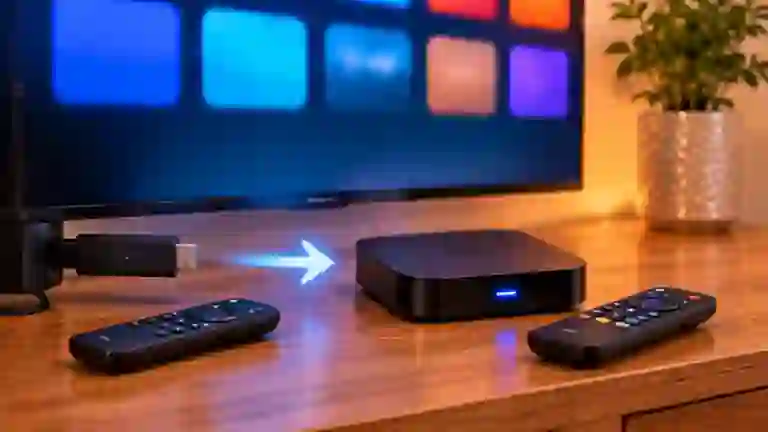
For a full TV guide, catch up and fast zapping, plug a second device into a spare HDMI port. This is usually the simplest long-term fix:
- Streaming stick – cheap and quick to set up.
- Chromecast with Google TV – full Google Play app choice.
- NVIDIA Shield or another IPTV box – best for 4K.
Roku vs Other Devices for IPTV
| Roku | Android-based stick or box | |
|---|---|---|
| IPTV app choice | Very limited | Wide |
| TV guide and catch up | Basic | Full |
| Recording | Rarely | Often, with storage |
| Best for | Mainstream streaming apps | IPTV |
Compare every option in our best device for IPTV guide.
Common Problems on Roku
- App disappeared from the store: Roku sometimes removes players. Switch to option 3.
- Buffering: use 5 GHz Wi-Fi or Ethernet (Roku Ultra) and follow 10 buffering fixes.
- No TV guide: see EPG not working.
Try Before You Buy
Test your Roku or another device with TV Stream UK’s free 24-hour trial, then choose a plan. Questions? See the FAQ or contact us. Live TV in the UK needs a TV Licence.